
Interactive Listening simulates a real-life academic or personal conversation. You will interact with another student or a professor regarding topics like planning a project, asking for advice, or sorting out a misunderstanding.
Part 1: Pre-listen & Complete
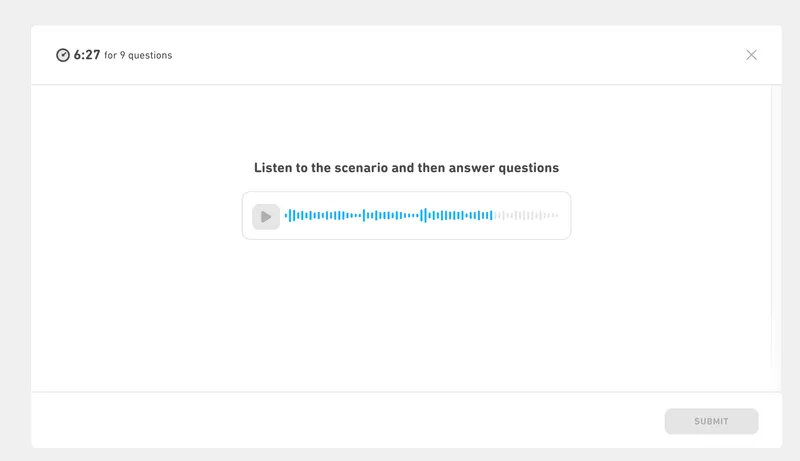
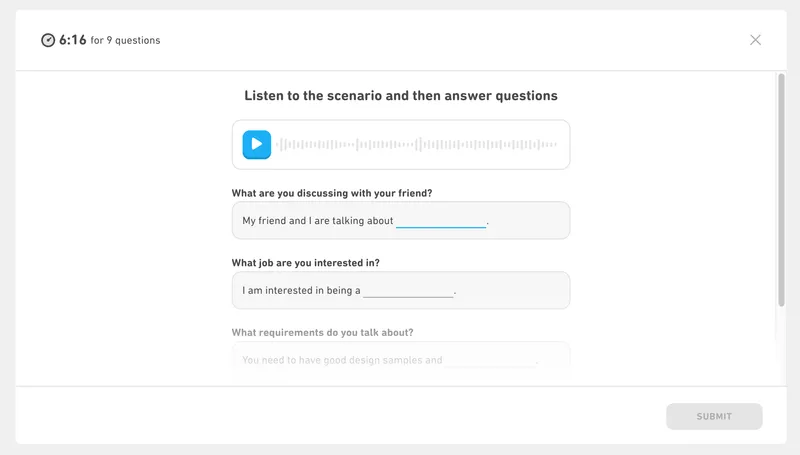
The interaction begins with the scenario context. The audio will automatically play after 3 seconds, but you should click play immediately to save precious time. Once the audio plays, you will see the blanks for the "Listen and Complete" section. You can replay this initial audio as many times as needed, and this context will remain visible even when you advance to Part 2.
The Integrated Timer
You have exactly 6 minutes and 30 seconds to complete Part 1 (Listen and Complete) and Part 2 (Listen and Respond) combined. The faster you finish the initial blanks, the more time you will have to carefully read and choose responses during the conversation flow.
The Self-Correcting Mechanism
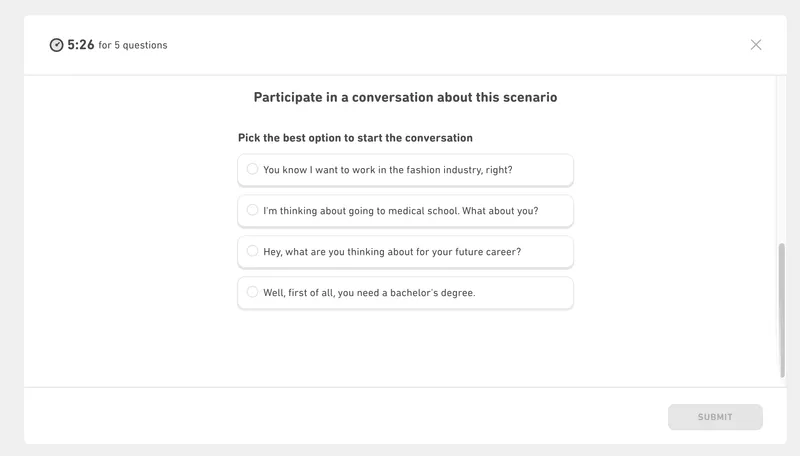
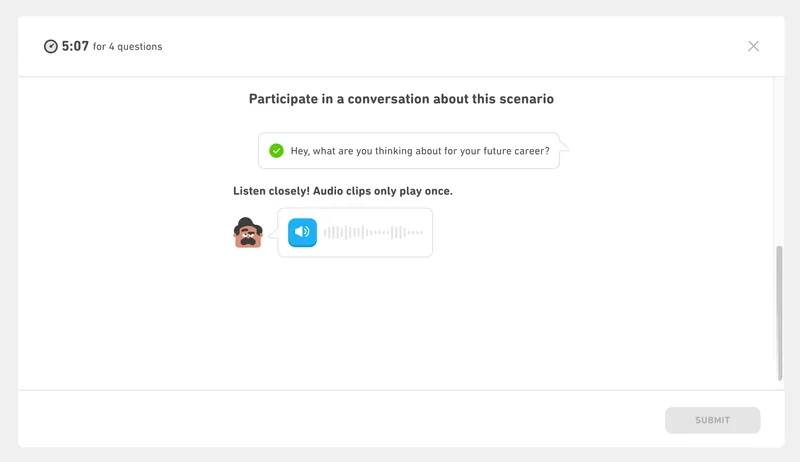
In Part 2, if you click the wrong conversational response, the system will not let you get permanently lost. The computer will show you what the correct response should have been before the other speaker replies. You must use this correction to understand the true direction of the conversation for the next turns.
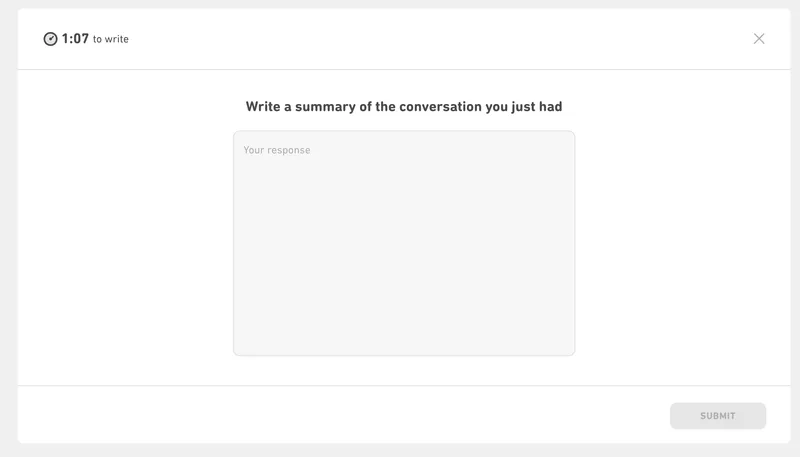
Part 3: The 75-Second Summary
After the conversation ends, you enter an entirely new timed section: 75 seconds to summarize the interaction. You must explain the situation, the main ideas discussed, and the final conclusion. It is critical to write in full sentences—do not use bullet points or fragmented notes.
