Interactive Reading

A multi-step reading set where the passage progressively reveals more information.

This is the longest reading test on the DET. You will have 7-8 minutes to answer 6 connected questions about a single academic or general text. As you complete each question, new paragraphs will be added to the story.

Test Screen Guide

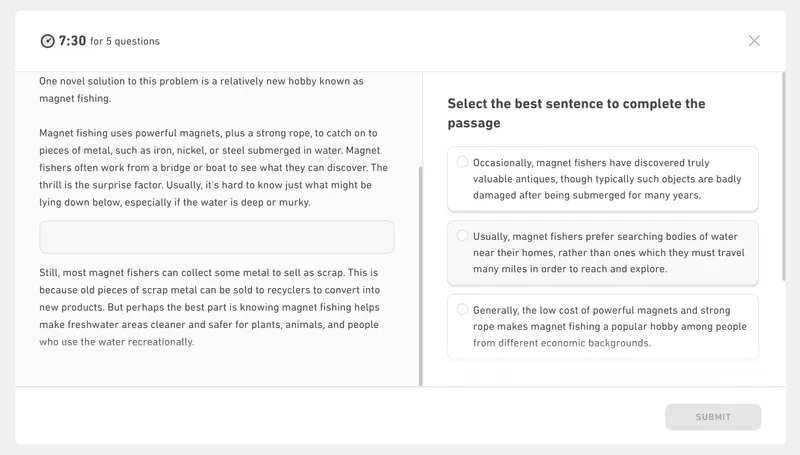
Interactive Reading has 5 completely different question types. Click the tabs below (or the arrows) to explore each interface.

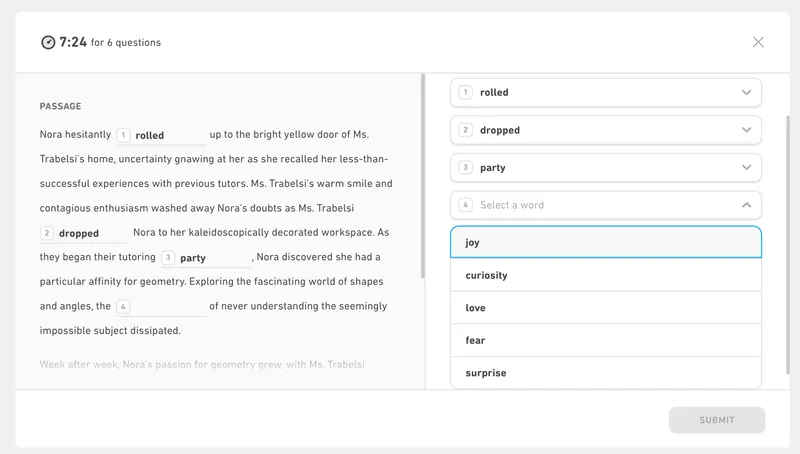
Part 1: Complete the Sentences

Drop-down menus are used to fill in missing words in the first paragraph.

UI Screenshot
+
+

How It's Scored

Your performance across all 6 questions impacts two Integrated subscores:

Comprehension

Measures your ability to read carefully and understand the overall meaning of a short academic or general text.

Literacy

Tests your accuracy in reading words correctly and applying grammatical logic.

Reading

Evaluates your overall reading proficiency, scanning abilities, and text-based reasoning.

Question Type Breakdown

Interactive Reading is an adaptive test of your academic reading endurance. You will face exactly two of these question sets during your exam. Here is how to master the flow.

The "Progressive Disclosure" Mechanic

Unlike traditional reading tests where you see the entire text immediately, the DET slowly reveals the passage to you. In Part 1, you only see the first paragraph. By Part 3 (Highlight the Answer), the entire passage is fully visible. This means context grows rapidly in the early questions. You must use the knowledge you gained in Parts 1 and 2 to help you understand the full text.

Managing the Global Timer

You are given a single 7 to 8-minute timer for all 6 questions. The timer does NOT reset when you click "submit". If you spend 5 minutes staring at a difficult drop-down blank in Part 1, you will aggressively punish yourself because you will have almost no time left for the remaining 5 questions.

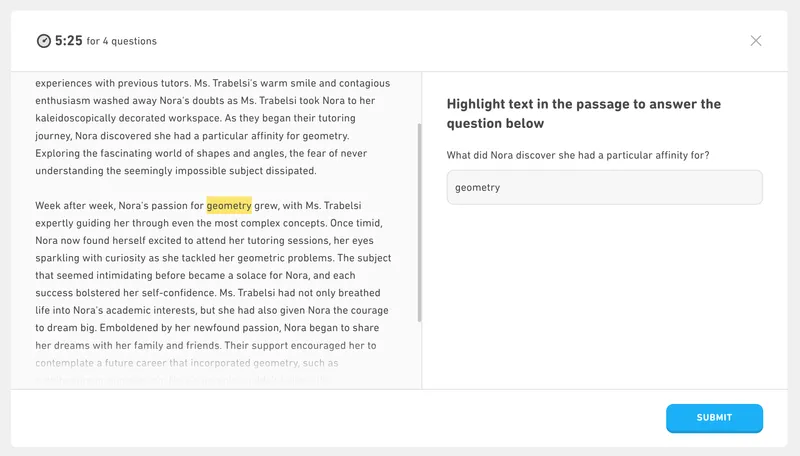
The "Highlight the Answer" Trap

In Part 3 and 4, you must drag your mouse to highlight text. The computer scores your answer by comparing its similarity to the correct response. It is not simply pass or fail. If the perfect answer is two words, but you highlight the entire sentence those words are in, you will still receive partial credit. However, you cannot cheat the system—if you highlight an entire paragraph or completely irrelevant sentences hoping to randomly capture the right words, you will receive a score of zero.

Main Ideas vs. Details

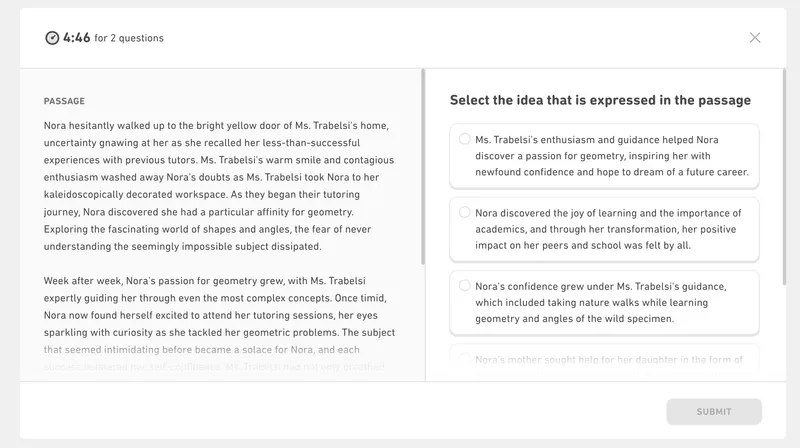
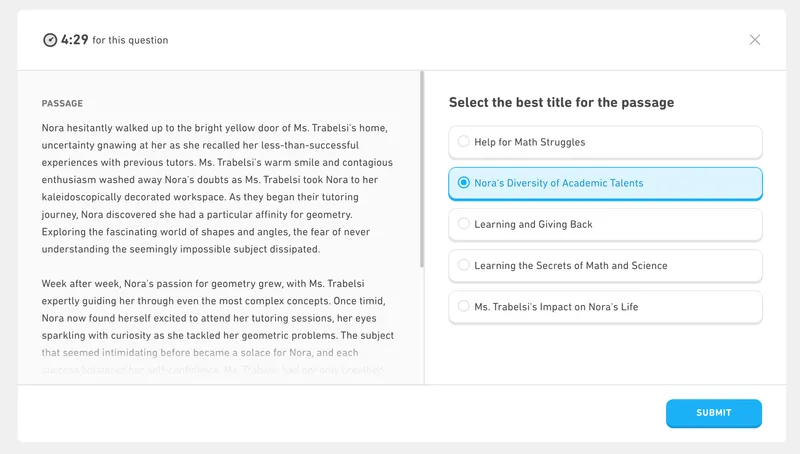
The final two questions ("Identify the Idea" and "Title the Passage") test your big-picture understanding. Do not select an answer simply because it uses the same words as the text. A wrong answer might be a true statement about a small detail in paragraph 2, but it fails to summarize the entire passage.

Practice Strategies

  • 1

    Pace Yourself

    You have about 1 minute per question. If a drop-down word in Part 1 is too difficult, guess quickly and move on. You need time for the harder questions later.

  • 2

    Read the New Material First

    Every time you advance to a new question, look for the new paragraphs that were added to the bottom of the text and read them carefully.

  • 3

    Answer Out of Order

    In Complete the Sentences (Part 1), you do not have to answer sequentially. Pick the easiest blanks first, which will give you more context to solve the harder ones.

  • 4

    Be Precise with Highlights

    When dragging your mouse to highlight answers, try to select the exact words that answer the question. You don't have to highlight the entire sentence if a single phrase is enough.

DO

  • Use the Tab key to quickly switch between drop-down menus in Part 1.
  • Skip difficult blanks initially and fill them in out of order.
  • Check the preview box below the highlight tool to confirm exactly what you selected.
  • Look for the 'Big Picture' when selecting the Main Idea and Title.

DON'T

  • Don't spend 3 minutes on the first question. You will run out of time.
  • Don't highlight entire sentences if the answer is just one or two words.
  • Don't choose a Main Idea just because it contains words from the text.
  • Don't forget that you can click and drag again if you make a mistake highlighting.

Interactive Reading Question Type FAQs

Down Arrow

How many Interactive Reading sets will I get?

Down Arrow

Can I go back to a previous question?

Down Arrow

What if I highlight the wrong text by accident?

Down Arrow

Do I need to read the whole passage again for every question?